The $20 Staples Whiteboard Just Beat Every Digital Canvas App We Tested
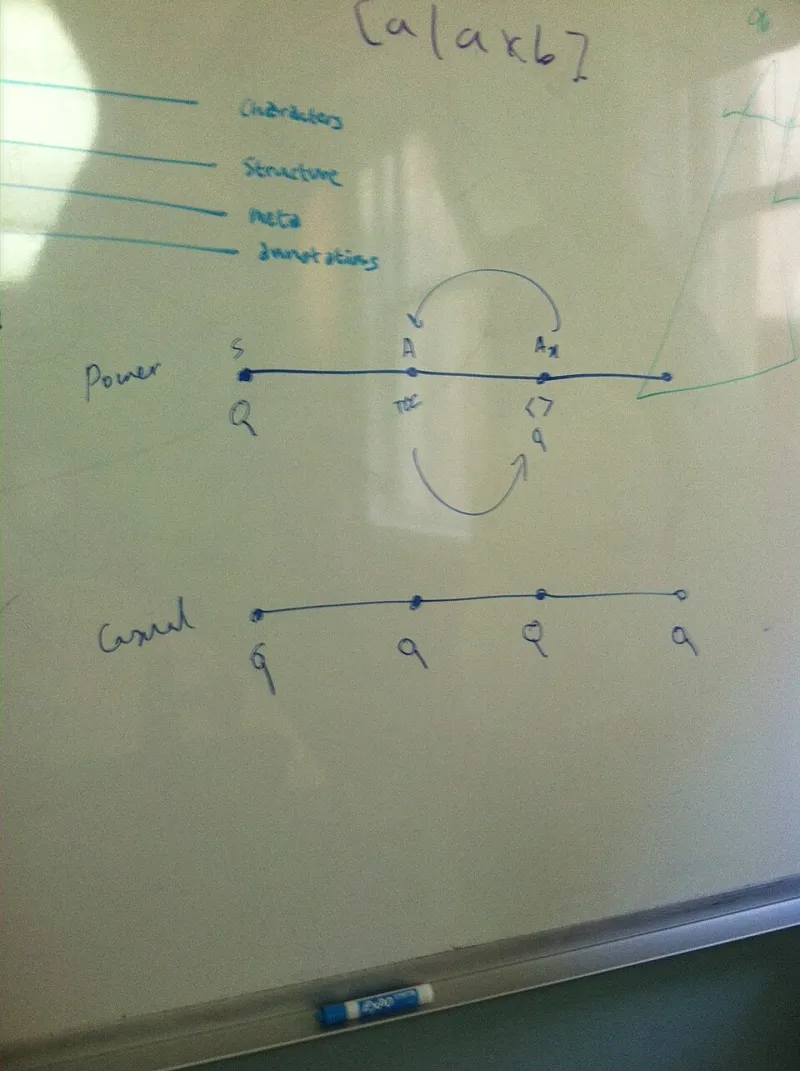
Photo: Maryana (WMF), CC BY-SA 4.0, via Wikimedia Commons
There's a moment in every American office renovation when someone wheels the old whiteboard to the loading dock. It's heavy. It has 'Q3 PRIORITIES — DON'T ERASE' ghosted into it from 2021. And it's being replaced by a browser tab.
That tab, by the way, lives in a Chrome window with 46 other tabs, half of which are also whiteboards from meetings you forgot you attended. Somewhere along the way, we traded a $20 hunk of melamine for a subscription service that buffers.
We decided to find out if that trade was worth it. We spent two weeks testing the biggest collaborative canvas apps against a brand-new whiteboard from Staples — the same one your office manager bought in bulk in 2014. Here's how it went.
The Contender: A $20 Board With No Onboarding Flow
The Staples board (a 36x24 basic dry-erase, real retail price: $19.99) requires no login, no seat licensing, and no 'Choose your workspace template' screen. You pick up a marker. You write. That's the entire feature set, and honestly, it's more of a feature set than some apps can claim.
Against it, we lined up four popular digital canvas tools: the big-name all-in-one workspace whiteboards, a dedicated infinite-canvas app, a video conferencing built-in board, and a startup-backed canvas tool your cousin's company uses. We scored each on three things: how fast you can go from 'we have an idea' to 'the idea is on the board,' how well the tool handles spontaneity (the whole point of brainstorming), and — the one nobody measures — whether ideas survive the meeting.
Speed: The Board Wins Before You've Found Your Login
Digital whiteboards have a cold-start problem. You open the app, wait for the canvas to load, realize you're in last week's board, hunt through the sidebar for the right one, discover your teammate created 'final_final_v3,' and by the time everyone's cursor has appeared, the energy in the room is gone.
The physical board? Zero seconds of load time. The marker is right there. The first idea is up before the first 'so, what are we thinking?'
The digital boards did better on shared sessions — everyone can draw at once, which is genuinely great for remote teams. If your coworkers are in Denver and Tallahassee, the Staples board can't help you. We'll grant the apps that point freely.
Spontaneity: Infinite Canvas, Infinite Distraction
Here's the thing about infinite canvas: infinity is a trap. In the physical world, running out of whiteboard space forces a decision — erase something, cluster ideas, or start over. That friction is a feature. It's the editorial constraint that makes brainstorming actually work.
Digital canvases just zoom out. And out. And out. We watched a 45-minute meeting produce ideas scattered across roughly nine screen-widths of canvas, arranged in no particular order, several of them duplicated because two people drew the same thing at the same time and nobody noticed.
The best digital tools mitigate this with auto-framing and alignment grids, and one of them did a genuinely nice job snapping sticky notes into tidy clusters. But tidy isn't the same as thoughtful. The board forced us to think about what mattered. The canvas let us avoid thinking entirely.
Do Ideas Survive the Meeting? (Mostly No)
This is where it gets uncomfortable, because this is the category where digital whiteboards theoretically dominate. The board gets erased. The canvas lives forever, right?
Except here's what actually happened: after every digital session, the board was exported to a PDF, dropped into a project channel, and never opened again. We checked. Zero views on four of five exports. The infinite canvas didn't preserve ideas — it created a graveyard where ideas go to be technically retrievable.
The physical board, ironically, performed better. Because space was scarce, someone had to transcribe the keepers into actual notes before erasing. Those notes got referenced later. The constraint created a workflow; the infinite canvas created an archive nobody visits.
If you use a digital canvas, build the follow-up in: assign someone to pull the top five ideas into your notes app before the meeting ends. Otherwise you're just paying $12 a seat per month to lose ideas in higher resolution.
The Verdict: Keep the Board, Fix Your Habits
We're not Luddites. Remote teams need shared canvases, and one of the apps we tested is genuinely excellent for async brainstorming across time zones. But for in-room meetings, the $20 Staples board beat every app on speed and spontaneity, and matched or beat them on idea survival.
The honest takeaway is that the whiteboard didn't die because a better tool replaced it. It died because 'digital transformation' sounds good in budget meetings and 'a board from Staples' doesn't. The apps flattened a physical ritual into a subscription and called it progress.
Our recommendation: run both. Board for live rooms, one canvas app max for remote folks, and a hard rule that every session ends with five ideas captured in real notes. Your team's best brainstorm tool was never the medium. It was the friction. And friction, it turns out, is the one thing infinite canvas can't ship.