Pencil Down: We Spent 40 Hours Testing iPad Note Apps So You Don't Have To
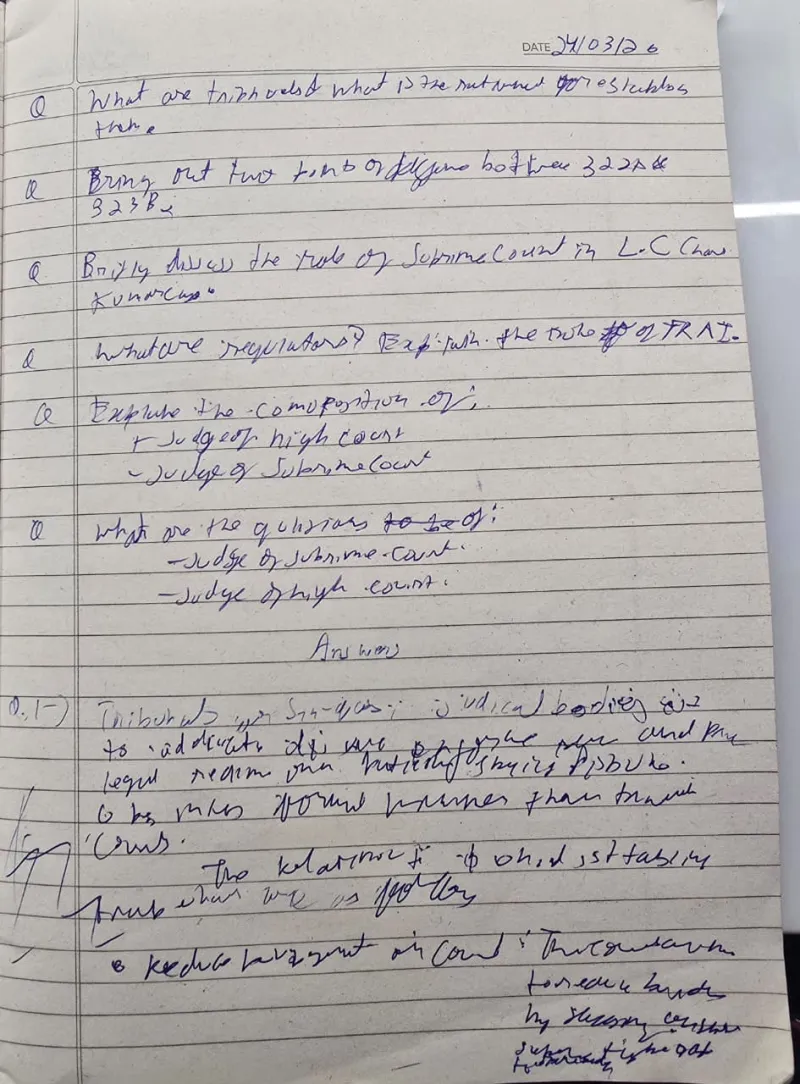
Photo: Sarim Wani, CC BY-SA 4.0, via Wikimedia Commons
There's a moment every new iPad owner knows well. You've unboxed the Apple Pencil, peeled the plastic off the screen, and opened the App Store with one question: which app do I actually use?
We asked the same thing. Over the past month, we put four of the biggest names — GoodNotes, Notability, Concepts, and Apple Notes — through a battery of real-world tests. Lecture recordings, meeting notes, a particularly brutal statistics syllabus, and yes, a doodle or two. Here's what we found.
The Handwriting-to-Text Showdown
The headline feature for stylus users is searchable, convertible handwriting. So we wrote the same 200-word passage in each app — intentionally sloppy cursive included — and measured how much came out clean.
- Apple Notes surprised us. Scribble converted on the fly with roughly 92% accuracy, and it handled our messiest scrawl better than expected. The catch? It converts in real time, which means you can't keep a handwritten original and a text copy side by side.
- GoodNotes hit around 89% on conversion after you let its OCR index everything, but the killer feature is that your handwriting stays intact. Search finds the words inside your ink.
- Notability landed near 87%, with the bonus of converting selected passages on demand — handy when you only want one paragraph digitized.
- Concepts is built for sketching, not transcription, and its text conversion reflected that. Fine for labels; don't write your term paper in it.
For students transcribing econ lectures, GoodNotes and Apple Notes are the front-runners. If you want your original ink preserved and searchable, GoodNotes wins.
Templates, Paper, and Ecosystems
A note app is only as good as what you can put inside it.
GoodNotes has the deepest template marketplace going — planners, Cornell layouts, digital sticker packs, the works. The community around it is enormous, and you can find a free PDF template for almost anything on sites like Etsy or Reddit's r/GoodNotes before you spend a dime.
Notability leans on audio. Record a lecture, and your ink syncs to the recording — tap a word you scribbled at minute 14 and hear exactly what the professor said. For anyone in a fast-paced college course, this alone justifies the download. Notably, Notability brought back unlimited audio recording length in its subscription tier after years of caps, which students noticed.
Concepts is the odd one out: an infinite canvas with vector strokes that stay crisp at any zoom. Architects, industrial designers, and anyone sketching floor plans will feel at home. Nobody else here does what it does.
Apple Notes keeps it simple — lined paper, grids, and not much else. But it's free, it syncs flawlessly via iCloud, and it's already on your device.
The Money Talk
Pricing shifted across the industry in the last couple of years, so here's the 2025 landscape:
- Apple Notes — free (iCloud storage limits aside)
- GoodNotes — free tier with three notebooks; roughly $10/year for the full unlocked version, with extra AI features in a higher tier
- Notability — free tier with limited edits per month; about $15/year for the full experience
- Concepts — free core app; subscription or one-time pro unlocks for more brushes and export options
None of these will break the bank, but the free tiers have gotten stingier. If you're a casual note-taker, Apple Notes plus a free GoodNotes account covers most people.
So Which One Should You Download?
Students: Notability, if your professors lecture fast and you want audio backup. GoodNotes, if you live in templates and organize by subject binder-style.
Professionals: Apple Notes for meetings and quick captures — it's frictionless and plays nicely with the rest of your iPhone. Add GoodNotes if you annotate PDFs or contracts regularly.
Visual thinkers: Concepts, full stop. Nothing else on this list treats a sketch as a first-class citizen.
The honest takeaway? There's no single winner — there's the right tool for how your brain works. Try the free tiers, write one real note in each, and you'll know within a week which one feels like home.